Mac Guides
Not a random software list. A structured path from day-one Mac basics to a usable development setup.
If you are moving from Windows, start here.
Free Alternatives to Paid Mac Software: What to Try First
Do not replace everything. Pay only for the work that truly saves time.
Choose free Mac alternatives by task, with clear starting points for uninstalling, office work, windows, images, archives, and when paid tools still save time.
Windows to Mac Roadmap: Your First Day and First Week
Adapt in four stages instead of installing every app at once.
A staged Windows-to-Mac roadmap covering first-day comfort, system settings, input methods, free essential apps, office files, and optional developer setup.
Mac Productivity Tools: 12 Scenarios, Free Options First
Start with built-in features, then fix the friction you keep encountering
Choose Mac tools for 12 everyday tasks, from launching apps and arranging windows to passwords and archives, with free limits, compatibility notes, and reasons to pay.

Best Chinese Input Methods for Mac: 4 Options Compared
FreeMac’s Take: Start Built-in, Switch for a Reason
Moving from Windows to Mac? FreeMac compares Apple, Sogou, WeType, and Baidu to help you decide whether to keep built-in Chinese input or switch for specific features.
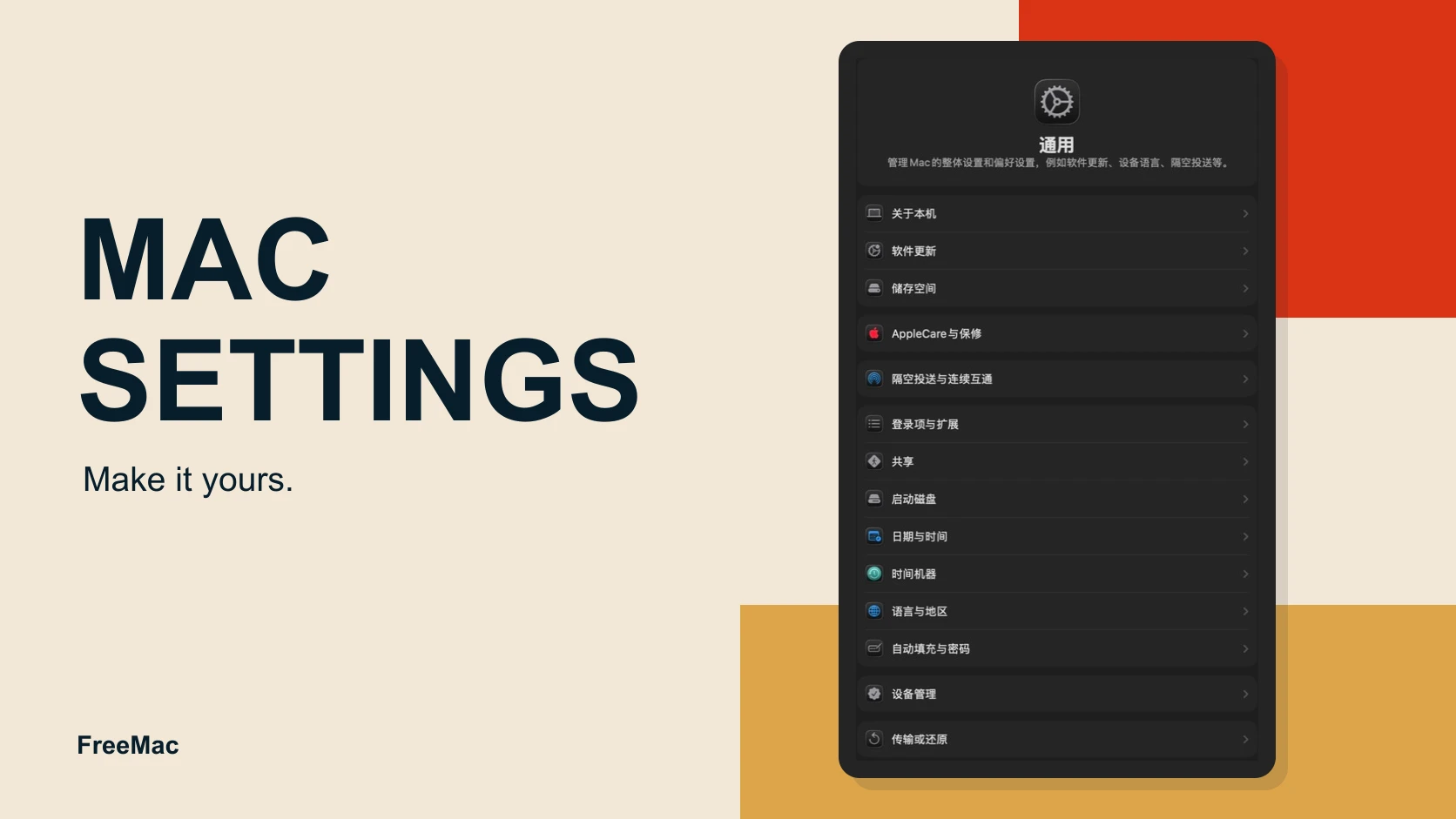
12 Mac Settings to Change After Switching from Windows
12 Essential Settings · Priority Checklist · For Windows Users
Change these 12 macOS settings for language, trackpad gestures, keyboard shortcuts, privacy, and window behavior to make a new Mac easier to use.

Mac Trackpad Gestures: A Practical Productivity Guide
Master Every Gesture · Optimize Your Workflow · 3 Weeks to Mastery
Learn the Mac trackpad gestures that matter, how they map to real workflows, and which settings help you navigate apps, desktops, and documents faster.

10 Mac Mistakes Windows Switchers Should Avoid
Pitfalls Every Windows User Encounters · Shift Your Mindset · Real-World Comparisons
Avoid ten common Windows-to-Mac mistakes involving files, keyboard shortcuts, app behavior, software installation, and the different logic behind macOS.
Your First Day with a New Mac: Make It Feel More Like Windows
For everyday users · no Terminal required · works on macOS Tahoe 26
Fix the first Mac settings that confuse Windows users: scrolling, trackpad clicks, window tiling, Finder paths, screenshots, app quitting, and a few useful free apps.
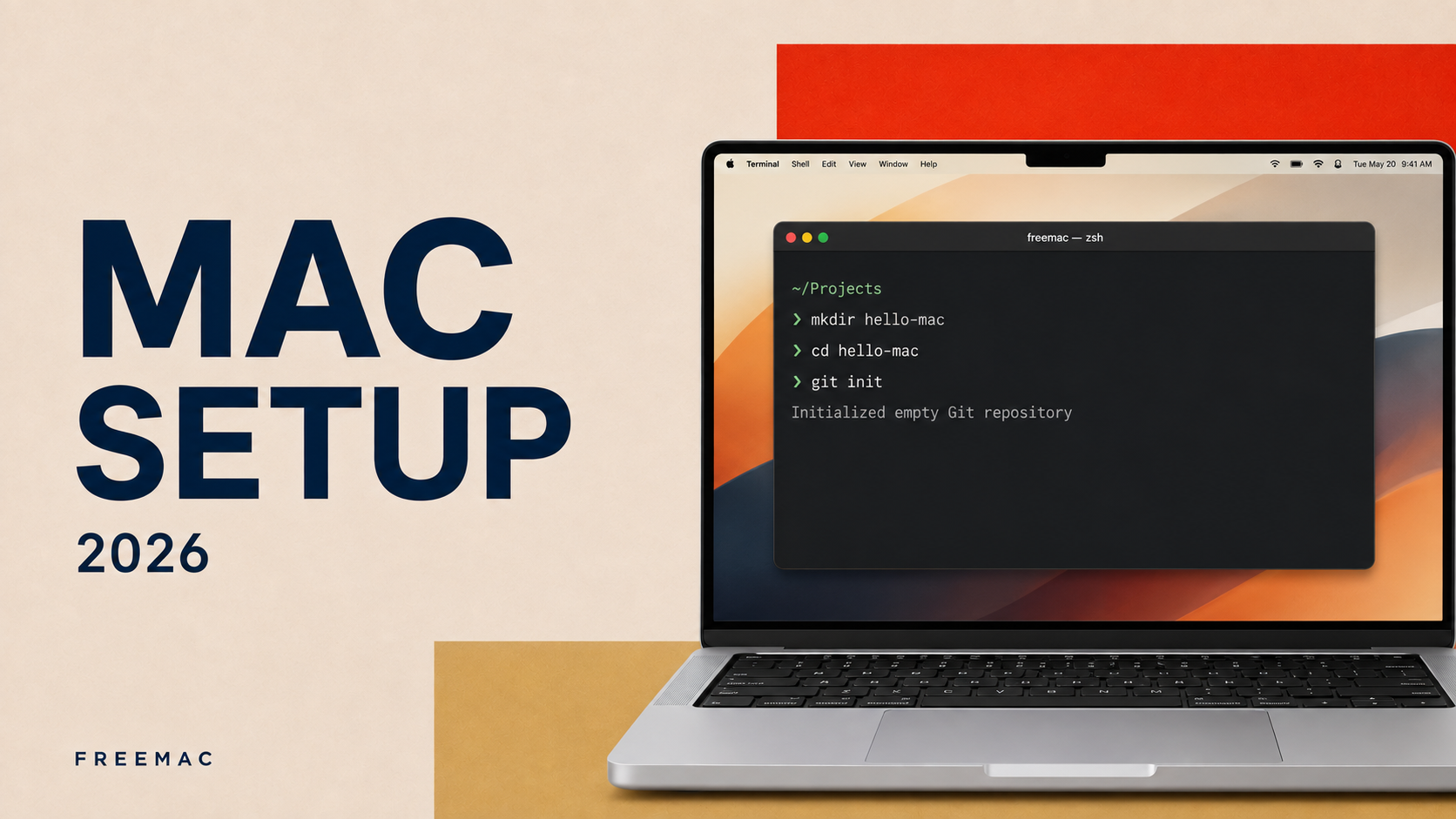
Windows to Mac: Build a Practical Development Setup
Get a real project running first; add tools when you need them
A practical Mac setup for developers moving from Windows: establish the system and command-line basics, then add Git, project-specific runtimes, an editor, containers, and AI tools only when they solve a real need.