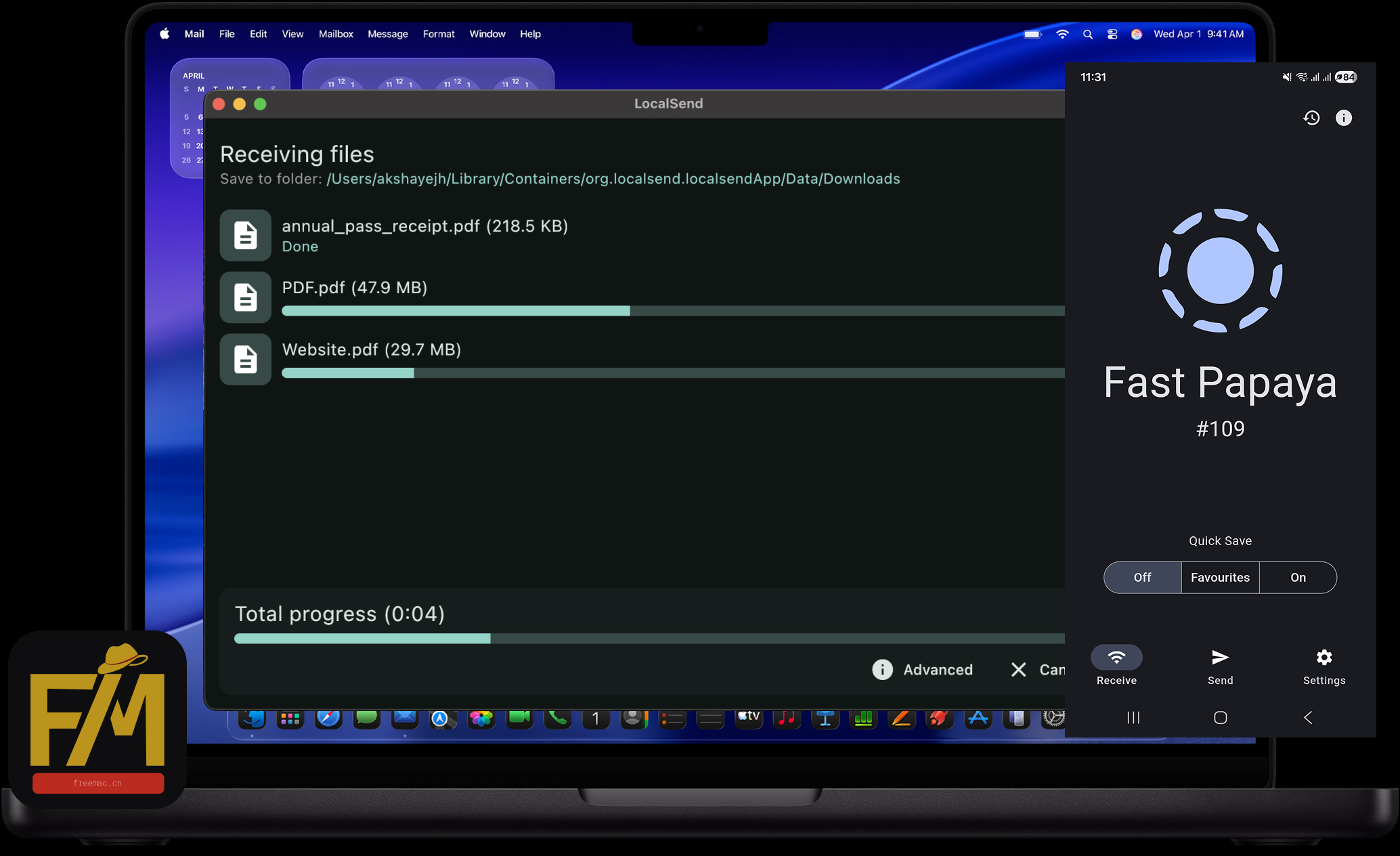
LocalSend for simple cross-platform file transfers
FreeMac does not recommend the same apps for every Mac. Use AirDrop when it covers the job; add LocalSend when Windows or Android creates a real cross-platform gap.
00 / The short answer
LocalSend is not an AirDrop replacement
It is a common transfer path for mixed devices. On one trusted local network, it can move photos, videos, documents, and folders directly between devices without an account, cable, or cloud upload.
FreeMac's rule: start with your device mix, not a ranking; finish a real task before adding another app.
This guide helps you decide whether LocalSend is the right tool now, then shows the shortest path to a successful first transfer.
01 / Quick decision
Which tool fits your devices?
FREEMAC
Your devices or taskStart withVerdict
iPhone / iPad ↔ MacAirDropSkip for now
Android ↔ WindowsQuick ShareTry the system tool
Mac ↔ Windows or AndroidLocalSendWorth installing
iPhone ↔ WindowsLocalSendWorth installing
Different networksCloud or sync serviceUse another tool
FM/01
AirDrop
Apple-only setup? AirDrop is enough.
Skip for now
For iPhone, iPad, and Mac, the built-in sharing flow has fewer steps and belongs directly in the system share sheet.
Good for
No extra app to install
Send directly from Photos, Files, and Finder
Automatic receiving on devices under one Apple Account
Use something else when
Add Windows, Android, or Linux to your device mix.
FreeMac take
Do not install LocalSend just because it ranks well. Do not duplicate a job macOS already does well.
Choose a file and device, then accept on the receiver.
04Verify, then organise
Open or play the file before deleting the original.
First-use checklist
Cannot see the other device?
01Open LocalSend on both devices and turn off VPNs or proxies temporarily
02Check that both devices are on the same non-guest network
03Set Windows to Private and allow LocalSend through the firewall
04Allow LocalSend access to the local network on iPhone, iPad, or Mac
05Restart both apps, then try a phone hotspot or an IP address
Next step
Read the ranking's “best for” line first
LocalSend's 8.8 score does not make it better than AirDrop for everyone. Each FreeMac ranking entry explains who should use it, who should skip it, its official source, and its free boundary.
Platform support, local-transfer behaviour, encryption, and installation guidance are based on the LocalSend official site and GitHub repository. Operating-system versions, routers, and managed networks can affect discovery.
FreeMac Score is not a download or popularity score. It reflects free/open-source clarity, maintenance signals, setup cost, Mac experience, and the specific gap an app fills.