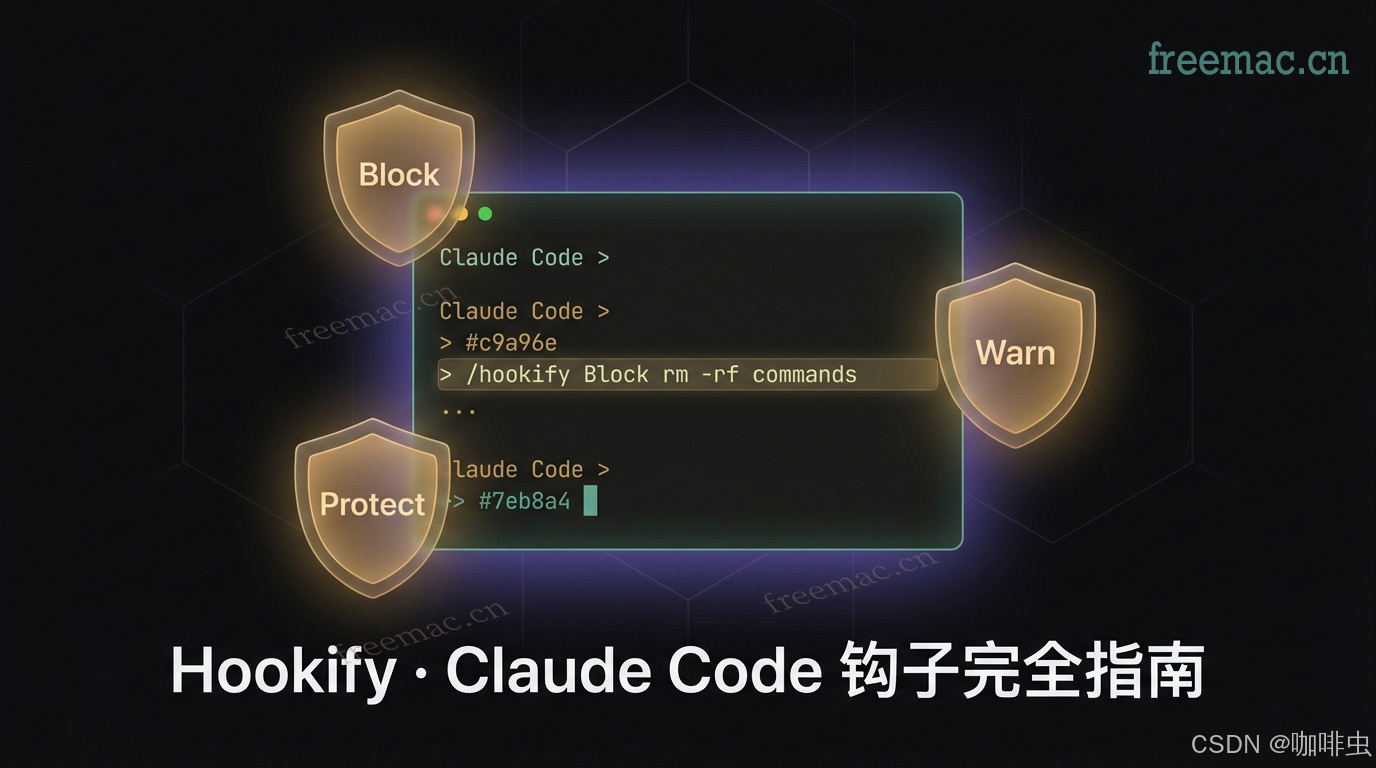
Content source note
This article is compiled from @affaanmustafa's Claude Code thread, the official Anthropic GitHub docs, the claude-plugins-official repository, and related community writeups, with real configuration examples added.
Tags: Claude Code Hookify Hooks AI Coding Automation Productivity
Why Hookify?
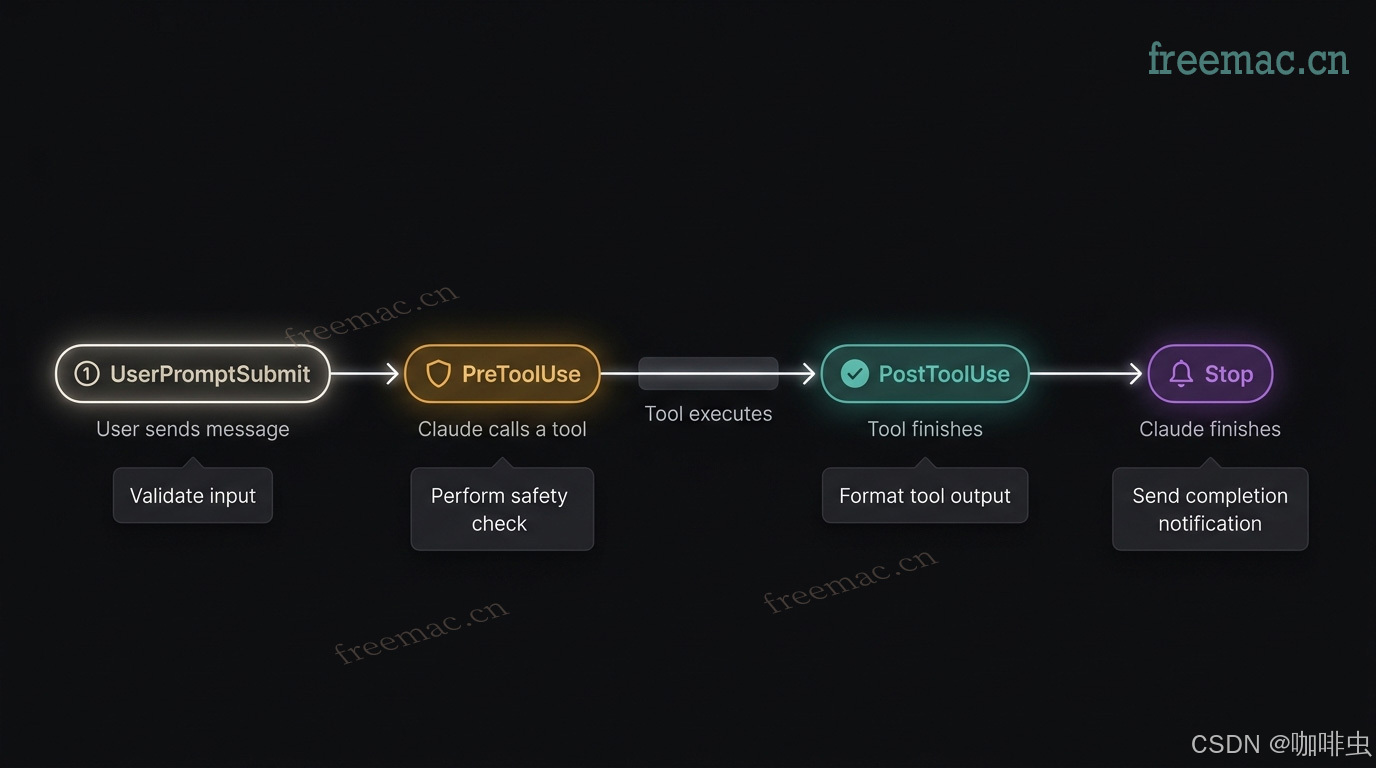
Claude Code has a powerful Hooks system. It can run scripts before or after tools execute, when files are changed, when messages arrive, or when Claude finishes a response. That makes it useful for things like:
- checking formatting
- blocking dangerous commands
- warning about secrets
- sending reminders or notifications
The problem is that the native setup path creates friction. You usually have to write nested configuration by hand, keep the format correct, and manage the files yourself. Many people know hooks would help them, but never set them up because the setup cost feels too high.
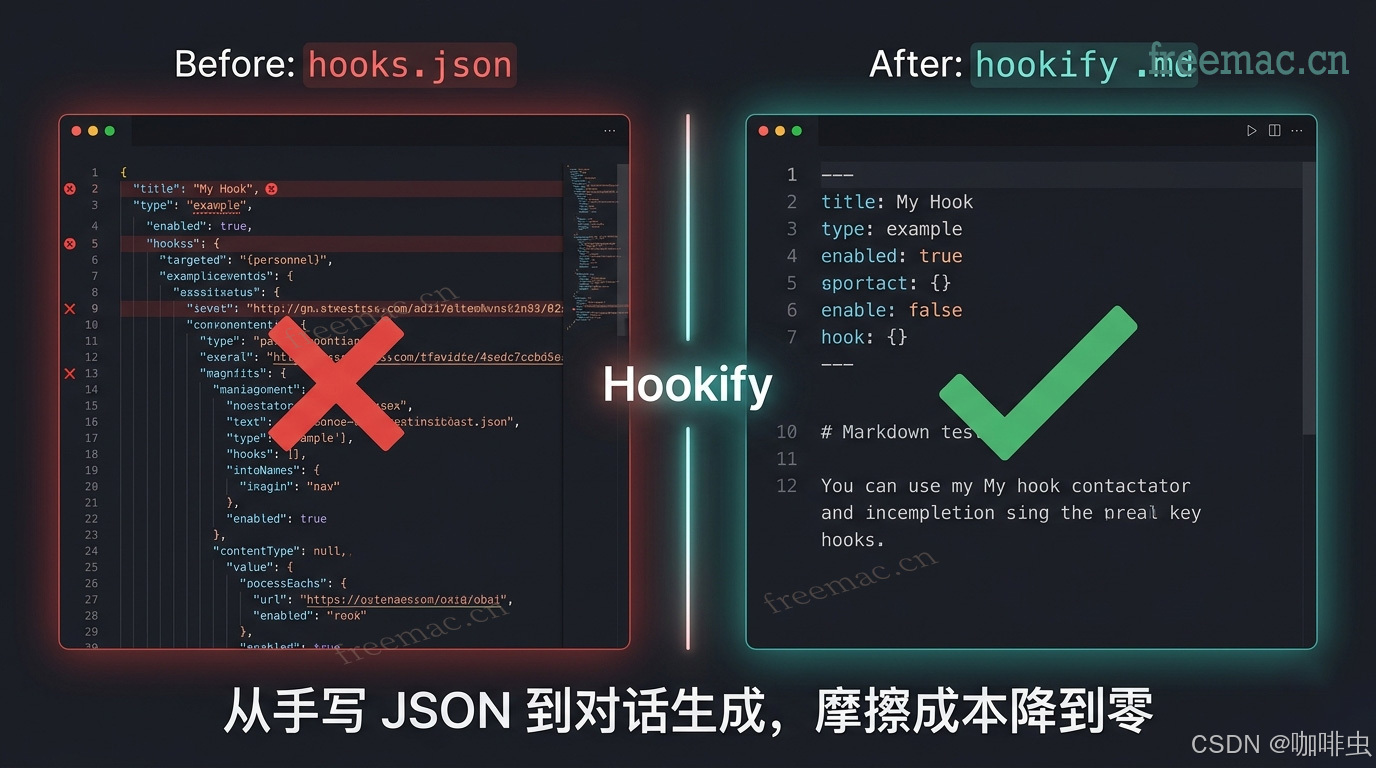
Hookify removes that friction. Instead of manually shaping config, you describe the behavior you want in natural language:
/hookify Warn me when I use rm -rf commands
Hookify turns that into a rule file and activates it immediately, with no restart required.
Table of Contents
01. Install Hookify
Option 1: Install from the plugin marketplace
Inside Claude Code, run:
/plugin install hookify
If that does not find it, run /plugin, switch to the Discover tab, and search for hookify manually.
Option 2: Install through npm
npx claudepluginhub anthropics/claude-plugins-official --plugin hookify
Requirements
- Python 3.7 or newer
- Claude Code installed and working normally
To verify the installation:
/hookify:list
If it returns a rule list, even an empty one, the plugin is installed correctly.
02. Three Ways to Use It
Hookify has three core workflows, and each one fits a different stage of usage.
Method 1: Describe the behavior and let Hookify generate the rule
This is the most common path. Tell Hookify what you want to block, warn about, or monitor, and it generates a rule file for you in the .claude/ directory.
# basic syntax
/hookify <describe the behavior you want>

# safety examples
/hookify Warn me when I use rm -rf commands
/hookify Block any command that touches the home directory
/hookify Warn before executing anything with "production" or "prod"

# code quality examples
/hookify Don't use console.log in TypeScript files
/hookify Warn when adding hardcoded API keys or secrets to any file
/hookify Require tests to be run before stopping

# workflow examples
/hookify Remind me to update the changelog before committing
/hookify Warn if I'm editing more than 5 files at once
Typical output looks like this:
Created: .claude/hookify.warn-dangerous-rm.local.md
Rules are active immediately - no restart needed!
Method 2: Let Hookify analyze your conversation history and suggest rules
If you are not sure what rules to create, run Hookify with no arguments:
/hookify
Hookify can analyze the current conversation history and identify patterns such as:
- places where you explicitly said "do not do that"
- actions you corrected Claude for
- repeated points of friction or frustration
It can then suggest or generate rules from those patterns.
This is especially useful after you have been working in a project for a while and want to turn repeated lessons into permanent guardrails.
Method 3: Manage existing rules interactively
# view all loaded rules
/hookify:list

# enable or disable a rule interactively
/hookify:configure

# show help
/hookify:help
Example output from /hookify:list:
Active rules (3):
  ✓ warn-dangerous-rm         [bash]  pattern: rm\s+-rf
  ✓ no-console-log-ts        [file]  pattern: console\.log\(
  ✗ require-tests-before-stop [stop]  disabled
03. Rule File Format
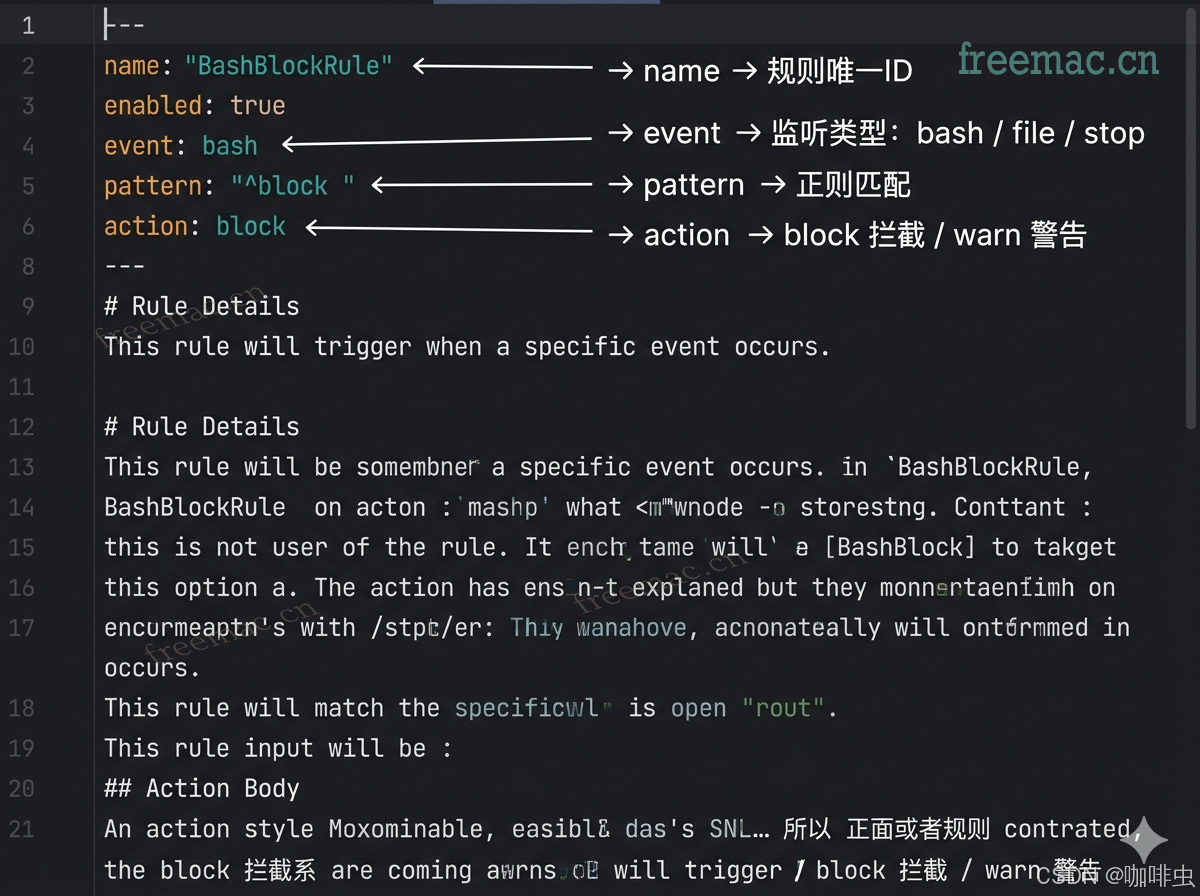
Hookify generates Markdown files, not JSON. The YAML frontmatter controls the rule logic, and the Markdown body contains the message Claude sees when the rule triggers.
The file path format is:
.claude/hookify.<rule-name>.local.md
Basic structure
---
name: warn-dangerous-rm
enabled: true
event: bash
pattern: rm\s+-rf
action: warn
---
Warning: a dangerous rm command was detected.

Please confirm before continuing:
- Is the path correct?
- Do you have a backup?
- Is there a safer alternative?
Event types
| Event | When it triggers | Best use |
|---|---|---|
bash | Before a shell command runs | block dangerous commands, warn about risky operations |
file | When a file is written or modified | detect secrets, enforce code rules |
stop | When Claude finishes responding | final checklists, required reminders |
all | For every event | global monitoring, but use carefully |
Actions
| Action | Effect |
|---|---|
warn | Show a warning, but Claude may continue |
block | Stop the action entirely |
04. Ten Practical Rules You Can Use Right Away
The following rules come from real incidents or common day-to-day use cases.
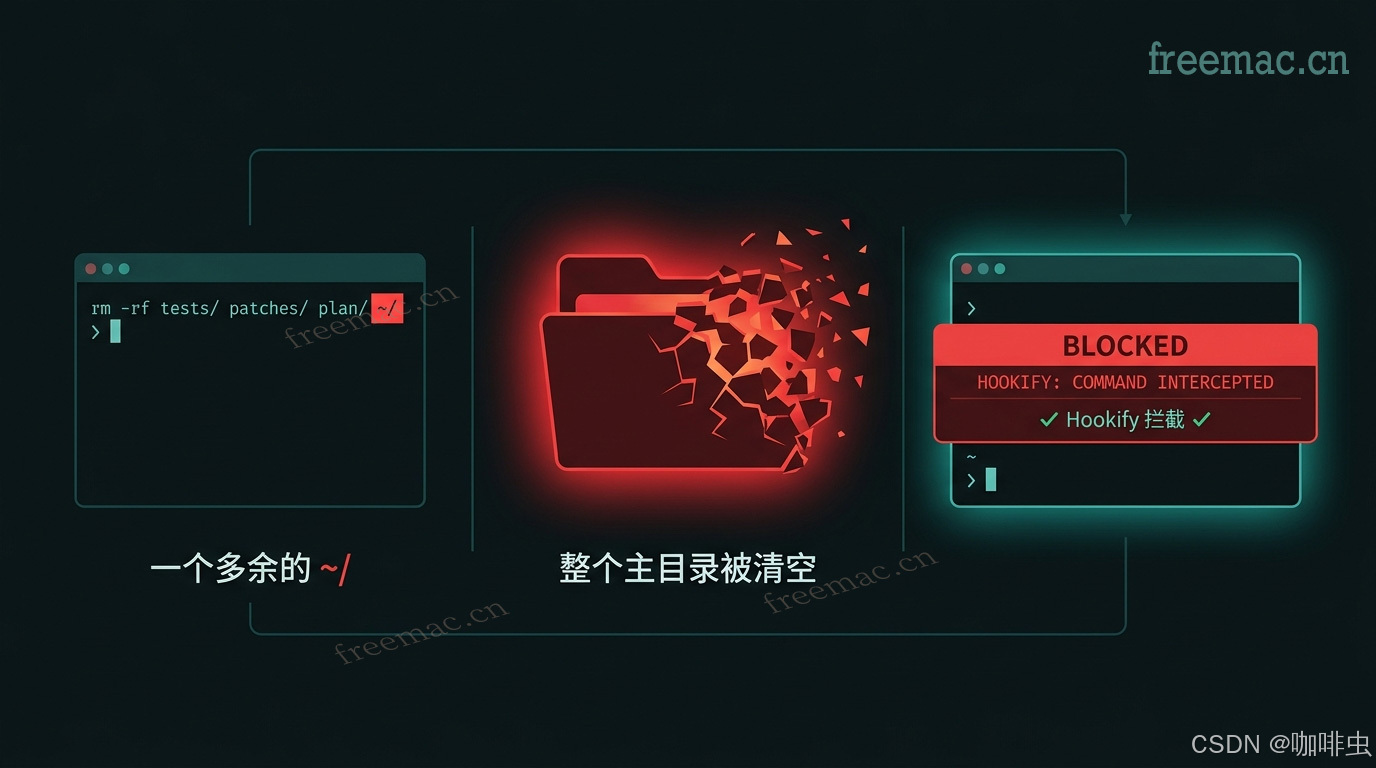
Rule 1: Block dangerous delete commands
---
name: block-dangerous-rm
enabled: true
event: bash
pattern: rm\s+-rf\s+.*(/|~)
action: block
---
Detected an rm -rf command that targets the root or home directory.

This can cause irreversible data loss.
Use a safer path or run the command manually only after confirming it yourself.
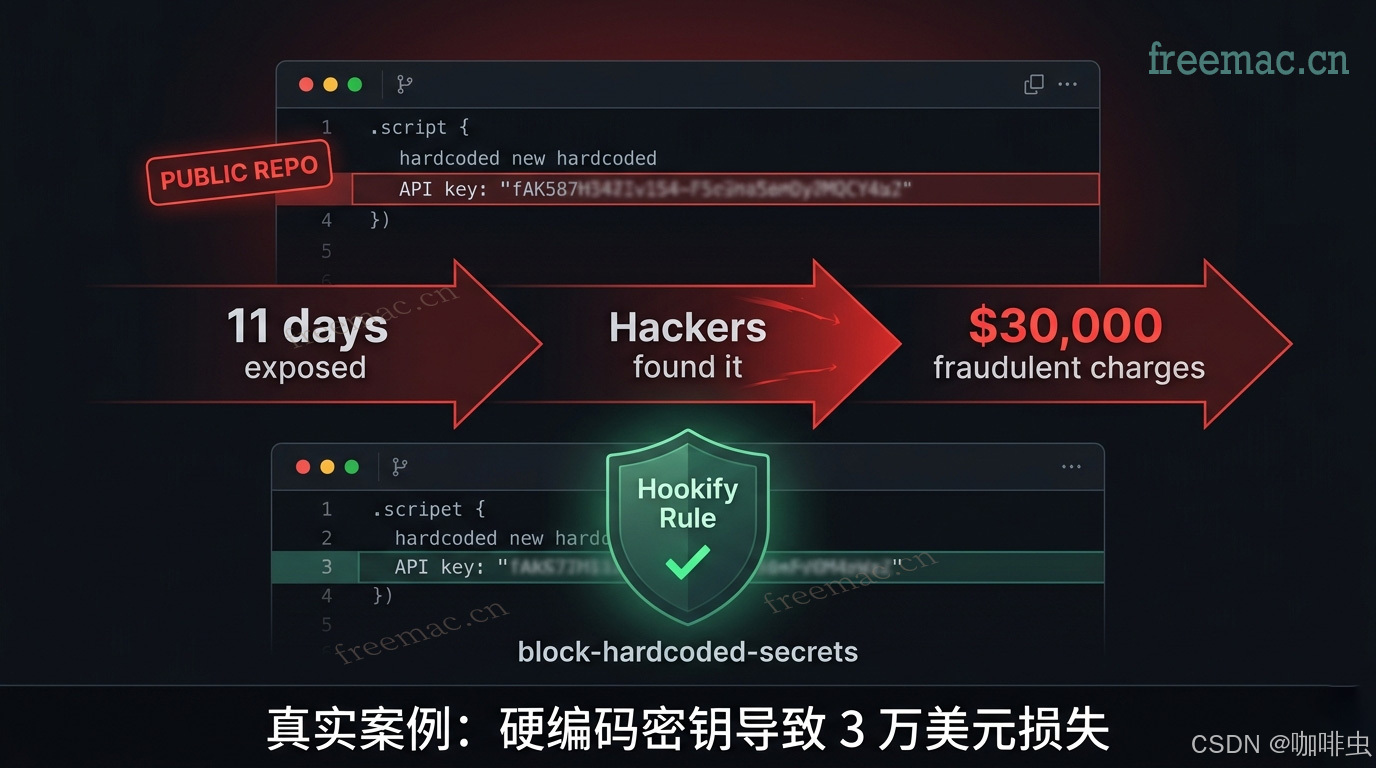
Rule 2: Prevent hardcoded API keys and secrets
---
name: block-hardcoded-secrets
enabled: true
event: file
pattern: (API_KEY|SECRET|TOKEN|PASSWORD)\s*[=:]\s*["'][A-Za-z0-9_\-]{16,}
action: block
---
Possible hardcoded secret detected.

Use environment variables instead:
- store secrets in `.env`
- reference them with `process.env.YOUR_KEY`
- make sure `.env` is included in `.gitignore`
Rule 3: Warn about console.log in TypeScript
---
name: no-console-log-typescript
enabled: true
event: file
pattern: console\.log\(|console\.error\(|console\.warn\(
action: warn
---
Console debugging statements were detected.

Remove them before committing, or replace them with the project's logging tool.
Rule 4: Ask for a second check before production commands
---
name: warn-production-commands
enabled: true
event: bash
pattern: (production|prod|--prod|PROD)
action: warn
---
This command appears to target production.

Before continuing, confirm:
1. You are on the correct branch.
2. The relevant people know about the change.
3. You have a rollback plan.
Rule 5: Require tests before stopping
---
name: require-tests-before-stop
enabled: false
event: stop
action: block
conditions:
  - field: transcript
    operator: not_contains
    pattern: npm test|pytest|cargo test|go test|jest
---
No test run was detected in this session.

Run the relevant tests before ending the task.
This rule is disabled by default. Turn it on only when you want strict enforcement.
Rule 6: Warn when editing .env files
---
name: warn-env-file-edit
enabled: true
event: file
pattern: \.env$|\.env\.local$|\.env\.production$
action: warn
---
You are editing an environment variable file.

Please confirm:
- no real secrets will be committed
- `.env.example` also gets updated if needed
Rule 7: Warn about bulk deletion
---
name: warn-bulk-delete
enabled: true
event: bash
pattern: rm\s+.*\*|\bfind\b.*-delete|\brimraf\b
action: warn
---
Bulk deletion operation detected.

Please confirm the deletion scope before continuing.
It is usually safer to preview targets with `ls` or `find` first.
Rule 8: Block direct force pushes
---
name: block-force-push
enabled: true
event: bash
pattern: git\s+push.*--force|git\s+push.*-f\b
action: block
---
Direct force push was blocked.

Use `--force-with-lease` instead. It is safer and reduces the risk of overwriting other people's commits.
Rule 9: Notify when a long task finishes
---
name: notify-on-stop
enabled: true
event: stop
action: warn
---
Claude has finished the current task and is waiting for your next instruction.
Rule 10: Remind yourself before committing
---
name: warn-console-in-commit
enabled: true
event: bash
pattern: git\s+(commit|add)
action: warn
---
Pre-commit reminder:

- remove all `console.log` and `debugger` statements
- confirm lint passes
- confirm related tests were updated and passed
05. Multi-condition Rules
When a single regex is not precise enough, you can combine checks with conditions.
Example: detect API keys only inside TypeScript files.
---
name: api-key-in-typescript
enabled: true
event: file
conditions:
  - field: file_path
    operator: regex_match
    pattern: \.tsx?$
  - field: new_text
    operator: regex_match
    pattern: (API_KEY|SECRET|TOKEN)\s*=\s*["']
action: block
---
Hardcoded secret detected inside a TypeScript file.
Use `process.env.YOUR_KEY` instead.
Condition fields
| Field | Meaning |
|---|---|
file_path | the file path |
new_text | the new content being written |
command | the command being executed |
transcript | the full conversation transcript |
Operators
| Operator | Meaning |
|---|---|
regex_match | match by regular expression |
contains | contains a string |
not_contains | does not contain a string |
06. Management and Debugging
Check whether the rules are active
/hookify:list
Where rule files live
All Hookify rule files belong in the project root inside .claude/:
your-project/
  .claude/
    hookify.warn-dangerous-rm.local.md
    hookify.no-console-log-ts.local.md
    hookify.block-hardcoded-secrets.local.md
They need to live in the project's .claude/ directory, not inside the plugin's install directory.
Test a regex manually
If a rule is not triggering, test the regex directly:
python3 -c "import re; print(re.search(r'rm\s+-rf', 'rm -rf /tmp/test'))"
If the output is not None, the regex matched successfully.
Common troubleshooting
| Problem | What to check |
|---|---|
| Rule does not trigger | confirm enabled: true; confirm the file is under the project's .claude/ directory |
| Regex does not match | test it separately with python3 -c; avoid unnecessary quotes around YAML pattern values |
| Installation failed | check python3 --version; rerun /plugin install hookify |
| Responses feel slower | avoid event: all; reduce the number of active rules; simplify regex patterns |
07. Performance Tips
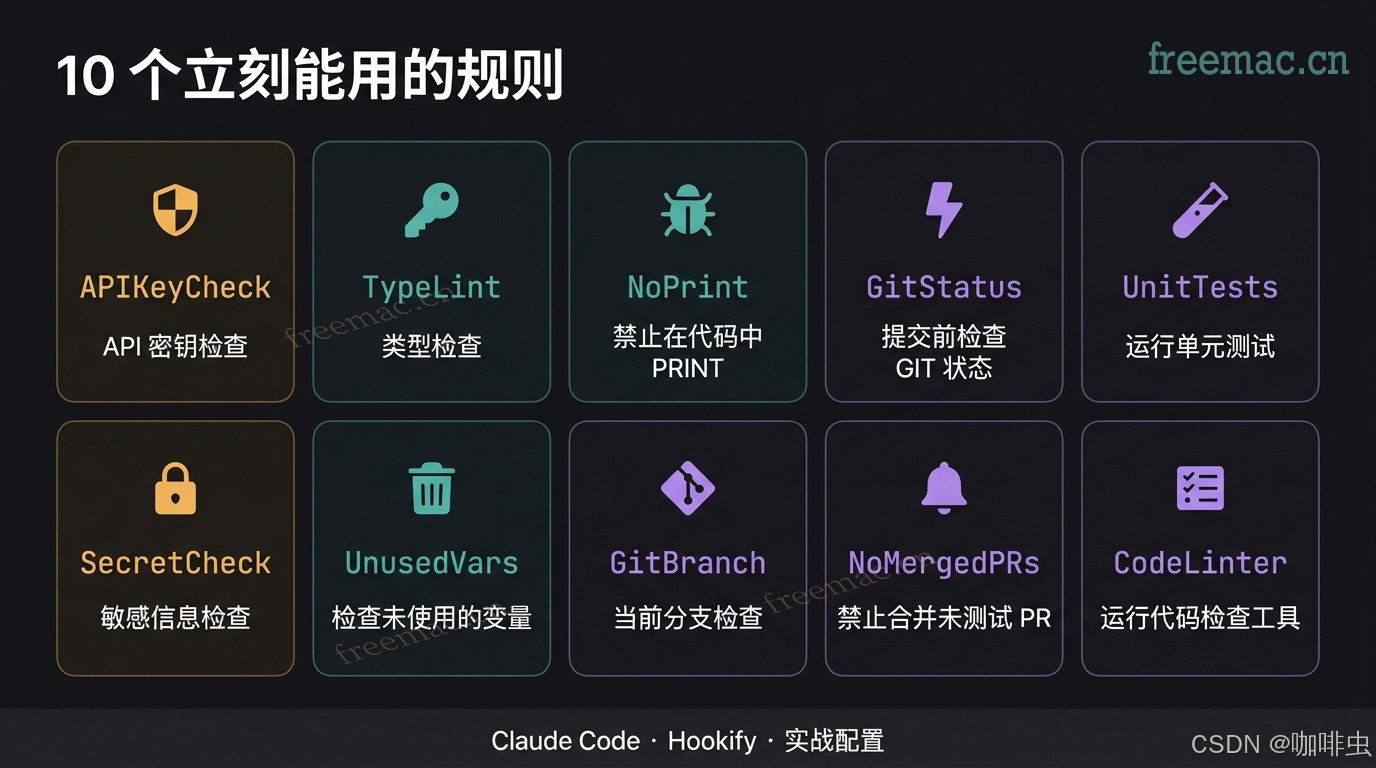
Hooks are effectively scripts that run around tool calls. The more rules you enable, and the more complex the regexes become, the more latency you introduce.
Best practices:
- prefer specific event types such as
bashorfileinstead ofall - start with simple regex patterns and add complexity only when needed
- keep the number of active rules roughly within 10 to 15
- be especially careful with rules tied to high-frequency events like file writes
- set rarely used rules to
enabled: falseand turn them on only when needed
08. Key Takeaways
| Use case | Recommended command |
|---|---|
| Create a new rule quickly | /hookify <description> |
| Let AI analyze history and suggest rules | /hookify |
| View all current rules | /hookify:list |
| Enable or disable a rule | /hookify:configure |
Core points:
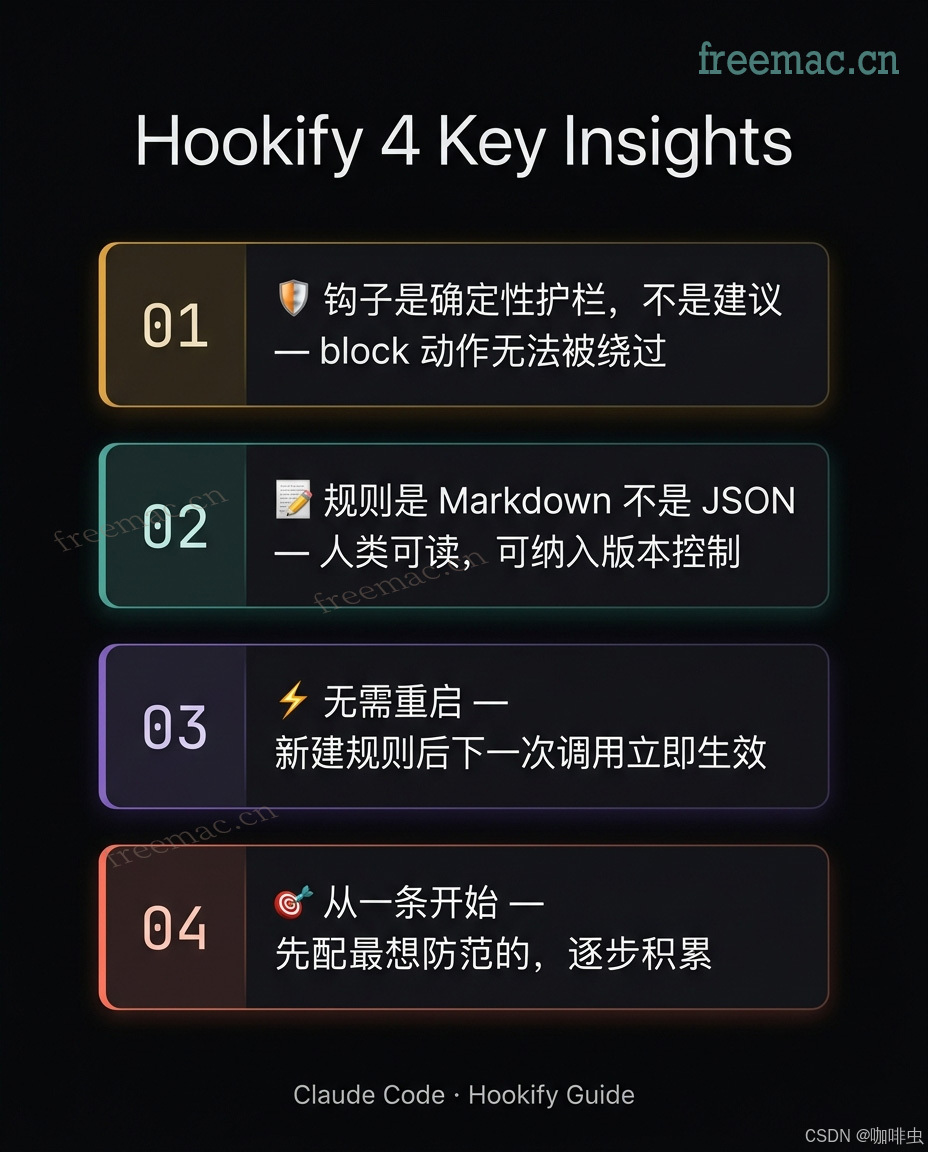
- Hooks are deterministic guardrails, not suggestions. A
blockrule stops the action regardless of what Claude "intends" to do. - Rule files are Markdown, not JSON. They are readable, editable, and easy to put under version control.
- No restart is required. New or updated rule files take effect on the next relevant tool call.
- Start with one rule. Pick the one failure mode you most want to prevent, watch it for a week, then expand gradually.
One-line summary:
Hookify reduces the friction of hook configuration almost to zero. Most people already know which guardrails they should add. The real reason they never did it was that the setup felt too annoying.
References
- Hookify docs: github.com/anthropics/claude-code/tree/main/plugins/hookify
- Claude Code Hooks reference: code.claude.com/docs/en/hooks-guide
- claude-plugins-official repository: github.com/anthropics/claude-plugins-official
- Hookify plugin page: claude.com/plugins/hookify
This article is a practical consolidation. If anything here is inaccurate, refine it against the official docs and your own workflow.
Related FreeMac Guides
- If Claude Code is not stable yet, start with Claude Code local installation and proxy setup.
- For broader workflow lessons, read what I learned after 10 months with Claude Code.
- For browser debugging workflows, continue with Claude + Chrome DevTools MCP.
Continue reading
What I Learned After 10 Months with Claude Code
Practical Claude Code lessons covering skills, hooks, MCP management, and a simpler configuration philosophy based on ten months of real-world use.
8 min readLocalSend File Transfer Guide for Mac, Windows, Android, and iPhone
Use LocalSend for free local-network transfers across Mac, Windows, Android, and iPhone. Learn when to install it, how to send files, and how to fix discovery issues.
10 min readMaccy Clipboard History for Mac: Should You Install It?
Maccy is a lightweight open-source clipboard history app for Mac. Learn when it is worth installing, where to download it safely, and which privacy settings to check first.
Subscribe to FreeMac
Weekly picks: free Mac software reviews, trusted source updates, alternatives, and low-friction guides.