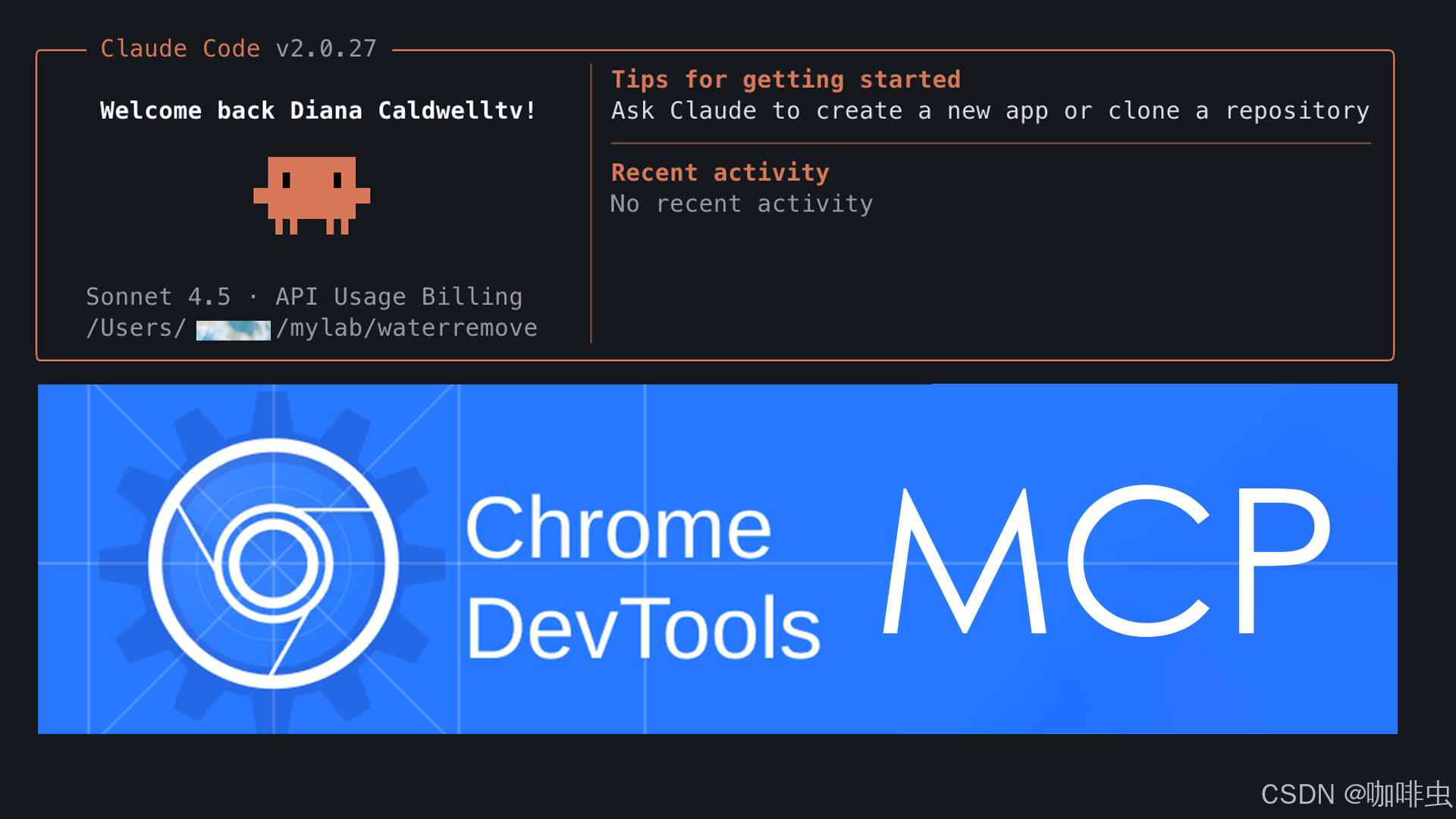
As AI-assisted development becomes more common, many people want more than a chatbot that only answers questions. They want Claude to inspect the browser directly, read the DOM, execute JavaScript, watch network traffic, and help debug real pages.
That is exactly what MCP (Model Context Protocol) and chrome-devtools-mcp make possible.
1. What is MCP, and who introduced it?
MCP stands for Model Context Protocol. It was introduced by Anthropic in 2024.
Its goal is straightforward:
Let AI interact with external tools such as filesystems, browsers, databases, and Git through a standard, controlled protocol.
If USB is a universal interface for devices, MCP is a universal interface between AI and tools.
Official references:
2. What is chrome-devtools-mcp?
chrome-devtools-mcp is an MCP server built by the Chrome team. It lets Claude control the browser through the Chrome DevTools Protocol (CDP).
- GitHub: github.com/ChromeDevTools/chrome-devtools-mcp
- Purpose: connect Claude to a live Chrome or Chromium session
Once it is configured, Claude can do things like these:
| Capability | Example |
|---|---|
| Open a page | "Open https://example.com and analyze the page structure." |
| Read the DOM | "List all h1 elements on the page." |
| Execute code | "Run document.title and return the result." |
| Inspect requests | "Tell me which XHR requests were made while the page loaded." |
3. Requirements
| Requirement | Needed? |
|---|---|
| Claude Desktop, not the web app | Yes |
| Node.js and npm | Yes, for installing the MCP server |
| Chrome or Chromium | Yes |
| A DevTools debugging port | Yes, for CDP access |
4. Full setup, step by step
4.1 Install chrome-devtools-mcp
npm install -g chrome-devtools-mcp
4.2 Launch Chrome in remote debugging mode
/Applications/Google\ Chrome.app/Contents/MacOS/Google\ Chrome \
  --remote-debugging-port=9222 \
  --user-data-dir=/tmp/chrome-mcp
Notes:
9222is the DevTools debugging port.--user-data-dirkeeps this debug session separate from your normal Chrome profile.
4.3 Start the MCP server
chrome-devtools-mcp --port 8080
4.4 Register the server in Claude Desktop
Edit the Claude Desktop config file:
| System | Config path |
|---|---|
| macOS | ~/Library/Application Support/Claude/claude_desktop_config.json |
| Windows | %APPDATA%\\Claude\\claude_desktop_config.json |
| Linux | ~/.config/Claude/claude_desktop_config.json |
Add the following:
{
  "mcpServers": {
    "chrome-devtools": {
      "command": "chrome-devtools-mcp",
      "args": ["--port", "8080"]
    }
  }
}
Then restart Claude Desktop.
5. How to test the setup
Open Claude Desktop and run:
/mcp
If you see something like chrome-devtools loaded successfully, the integration is working.
Then try prompts such as:
Open https://example.com and return the page title
or:
Run document.title and return the result
6. claude mcp add vs --scope user
The Claude CLI can also register MCP servers.
| Command | Meaning |
|---|---|
claude mcp add chrome-devtools npx chrome-devtools-mcp@latest | Project-scoped, stored for the current project only |
claude mcp add chrome-devtools npx chrome-devtools-mcp@latest --scope user | User-scoped, available across all projects |
If you want the server available everywhere, the user-scoped command is usually the better choice.
7. Common problems and fixes
| Problem | Likely cause | Fix |
|---|---|---|
/mcp shows nothing | You are using the Claude web app | Use Claude Desktop instead |
| Browser connection fails | Chrome was not started with --remote-debugging-port=9222 | Restart Chrome with the correct flags |
| MCP server does not load | The JSON config is wrong or Claude was not restarted | Recheck the config file and restart Claude Desktop |
| Port conflict | 9222 or 8080 is already in use | Switch to another port such as 9223 or 8081 |
8. The full flow in one line
Install Node.js -> install chrome-devtools-mcp -> launch Chrome with remote debugging -> start the MCP server -> register it in Claude -> let AI operate the browser
9. Summary
- MCP is the tool protocol behind Claude's broader integration model.
chrome-devtools-mcpis the bridge that connects Claude to Chrome DevTools.- Once configured, Claude can inspect pages, read the DOM, run JavaScript, and help debug browser behavior directly.
If you want AI to move beyond text-only assistance and actually help with live browser debugging, this setup is one of the most practical ways to do it.
Related FreeMac Guides
- If Claude Code is not installed yet, start with Claude Code local installation and proxy setup.
- If you want safer automation rules, read the Hookify guide.
- If you are debugging React rendering, continue with React hydration failure causes and fixes.
When this setup is worth it
Use Chrome DevTools MCP when the browser state matters: a hydration error that only appears after interaction, a layout bug that depends on viewport size, a form that needs real typing, or a network request that must be inspected in context. Those are cases where screenshots and copied console logs are weaker than letting the assistant inspect the live page.
Do not use it for every small frontend question. If the issue is a pure TypeScript error, a missing import, or a known API choice, ordinary code inspection is faster. Browser control is most valuable when the page, DOM, network panel, and console all need to be correlated.
Keep the scope narrow. Ask the assistant to inspect one route, one component, or one failing interaction. A live browser is powerful, but it can also produce noisy observations if the task is not framed clearly.
Continue reading
CSS 3D: perspective and transform-style Explained
Understand CSS 3D transforms through perspective, transform-style: preserve-3d, translateZ, rotateY, flattening, and parent-child 3D scene setup.
7 min readReflow and Repaint: Why CSS Animations Get Janky
Understand browser rendering steps, reflow, repaint, compositing, and why transform and opacity are usually better animation targets than width, height, top, or left.
7 min readCSS initial, inherit, and unset: How to Choose
Understand CSS initial, inherit, and unset by first checking whether a property normally inherits, with practical examples for color, margin, reset styles, and components.
Subscribe to FreeMac
Weekly picks: free Mac software reviews, trusted source updates, alternatives, and low-friction guides.